Manage topics
Inspect partitions, configure retention, and plan changes.
Inspect before changing#
Open Topics, search by name, and select a topic. Review the overview, partitions, consumers, and settings. The partitions view explains replica placement and offsets; the consumers view identifies groups associated with the topic.
Create and configure#
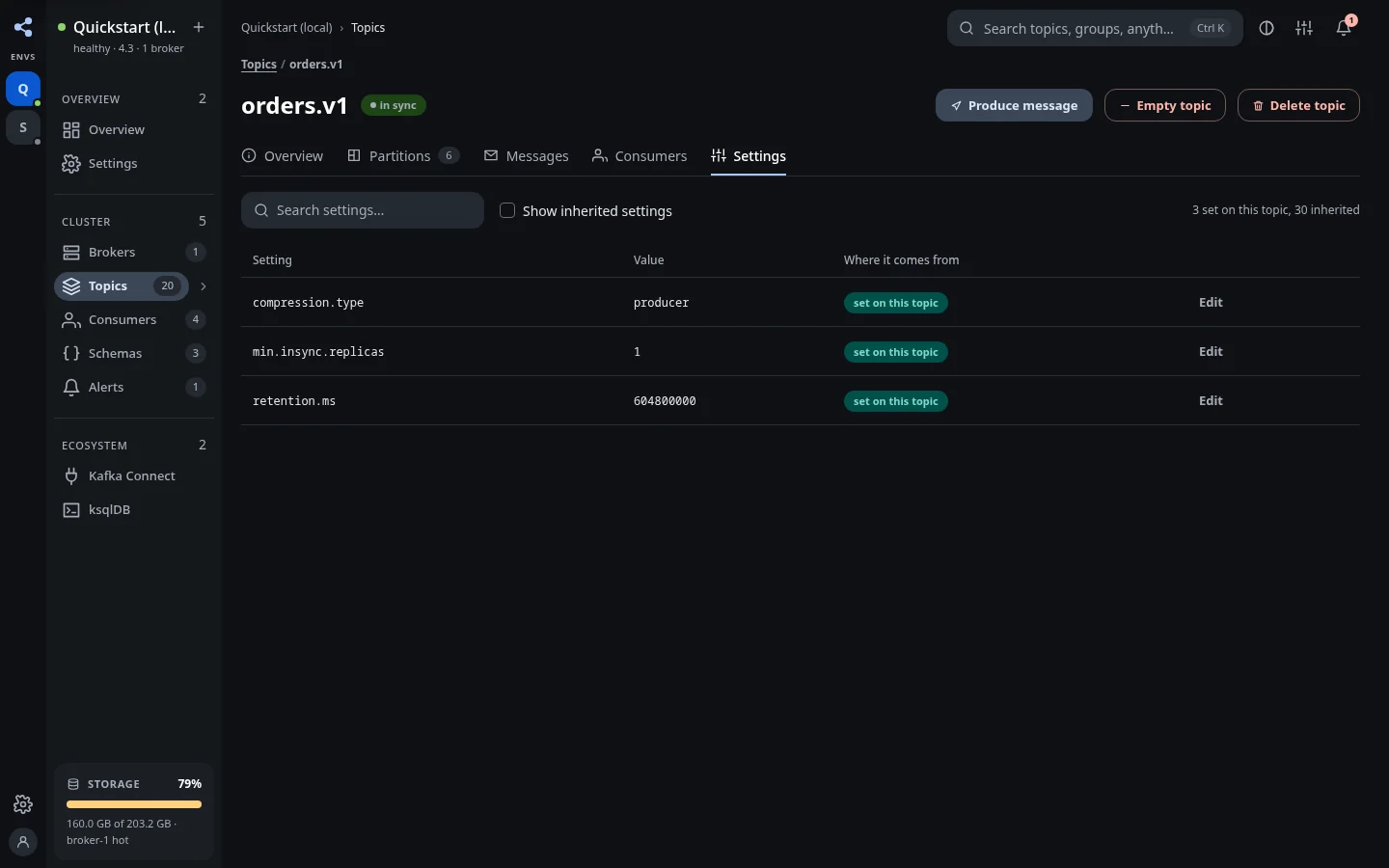
Use Create topic, supply the name and partition/replication settings, and check the cluster you are targeting. In topic settings, review the current configuration before changing retention or other supported values. Kafka validates the change, and its principal's permissions still apply.
Expand partitions#
Use the partition expansion action and review the new count before applying it. Kafka partition counts can grow; this is not a partition shrink workflow. More partitions can change how keyed events are distributed, so coordinate with the producers and consumers that depend on the topic.
Empty or delete a topic#
Destructive operations use a preview and confirmation workflow. Review the topic name and the planned impact. Confirm only the intended action; a plan token fixes the operation reviewed in that preview.
Emptying a topic removes retained records through the supported operation. Deleting a topic removes the topic itself. Neither should be used as a substitute for replaying records into a scratch topic.
When controls are blocked#
A read-only profile, missing KUI permission, or Kafka principal restriction can refuse a change. Read the refusal and fix the appropriate permission or configuration. KUI does not bypass broker authorization. ACL and client-quota administration are outside the current scope.