ksqlDB
Explore streams, tables, queries, and statements.
Configure ksqlDB#
Configure the cluster's ksqlDB upstream and any required authentication/TLS. Without that integration, the workspace reports not configured while the rest of KUI remains usable.
Explore the topology#
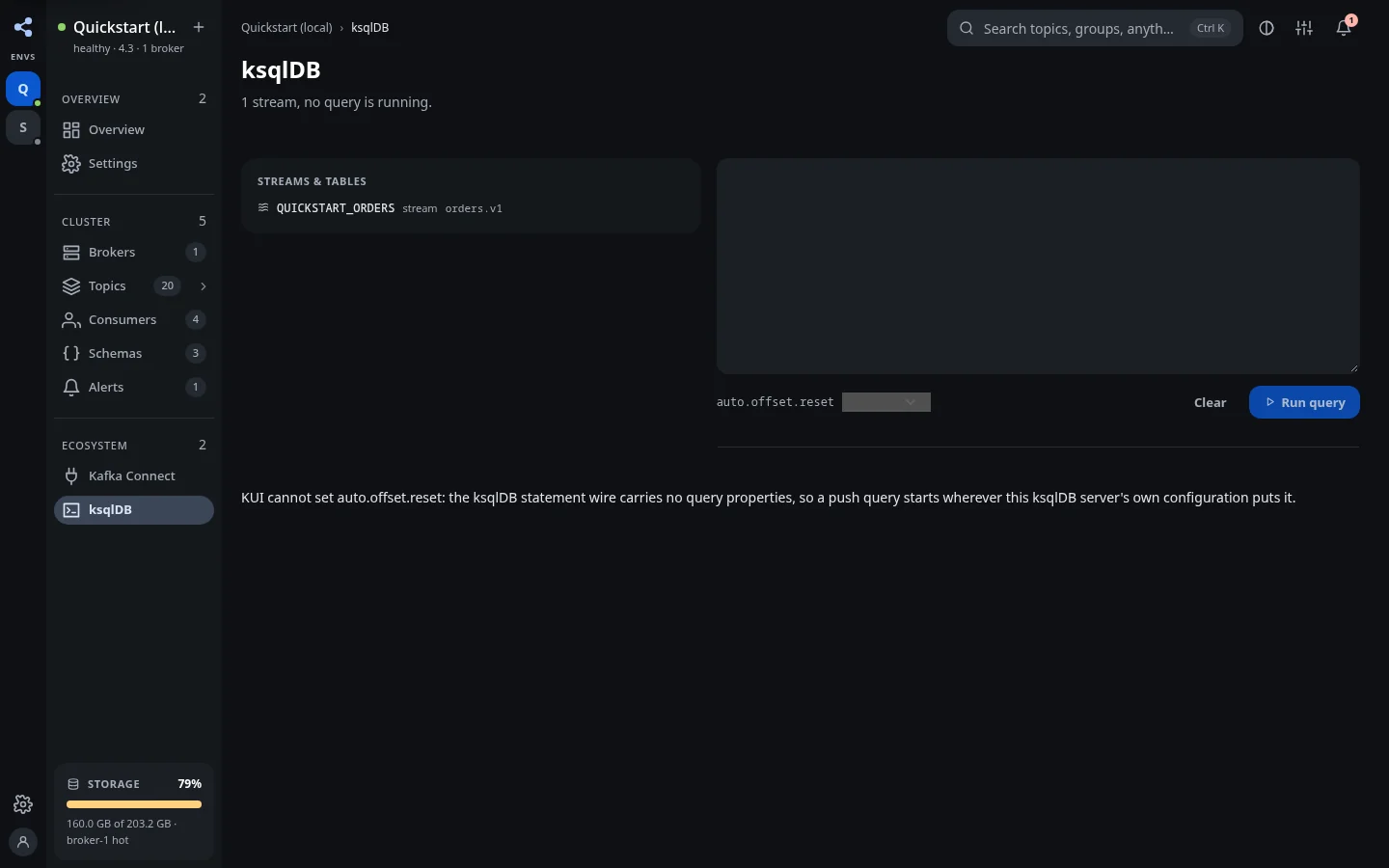
Open ksqlDB and inspect streams, tables, and persistent queries. Use these views to understand how input topics, derived objects, and running queries relate.
Execute a statement#
Use the statement editor for a statement supported by the connected server. Read the result or server error, and verify the related objects after changing the topology. Streaming query results are distinct from persistent queries running on the server.
Review destructive changes#
Destructive statements use a plan and confirmation workflow. Check the object and any topic-related impact in the preview before applying. Read-only mode and permissions can block execution.
For production, restrict both KUI's permission to execute statements and the credentials it uses upstream. The quickstart provides a local ksqlDB server to try the workspace.